

Self-Order Kiosk
Let customers browse the menu, customise their order, and pay on screen. Orders go directly to your POS and kitchen, so staff can start preparing them right away.
Request a demo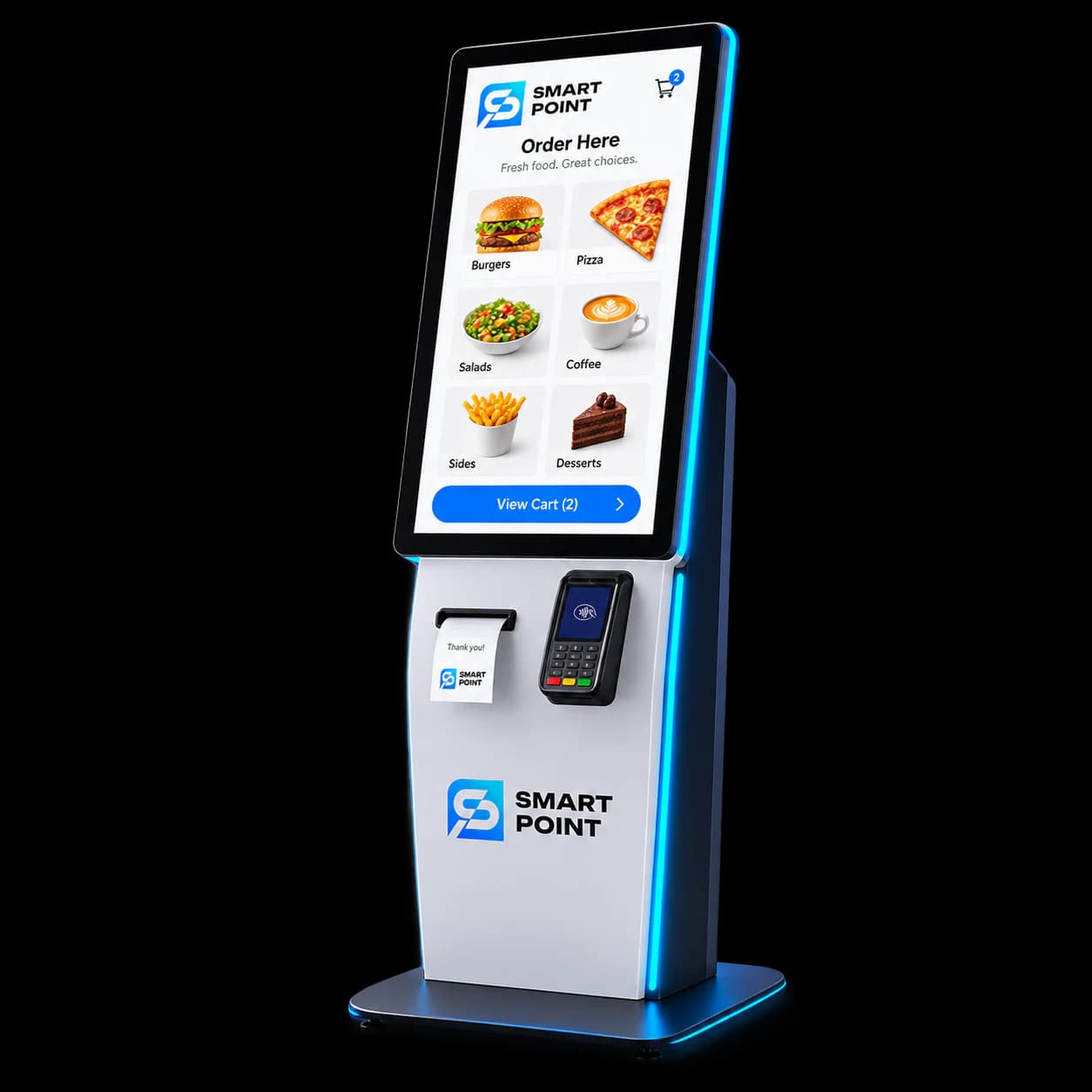
Features
What customers can do at the kiosk
Order at their own pace
Customers browse the menu and build an order directly on screen.
Explore available options
Show sizes, extras, and combinations while customers choose their items.
Review before paying
Customers check their selections and total before completing the order.
How It Works
From menu to placed order in three steps
Customers choose what they want, customise it, and complete their order on screen.
Browse the menu
Explore items, photos, and prices on the kiosk screen.
Customise the order
Choose sizes and extras, then review the basket.
Pay and place the order
Complete payment at the kiosk; the order is sent to POS and the kitchen.
Extend Your Kiosk
Connect kiosk orders to the rest of your operation
Link self-ordering with the tools your team uses to manage sales, prepare food, reward customers, and handle delivery.
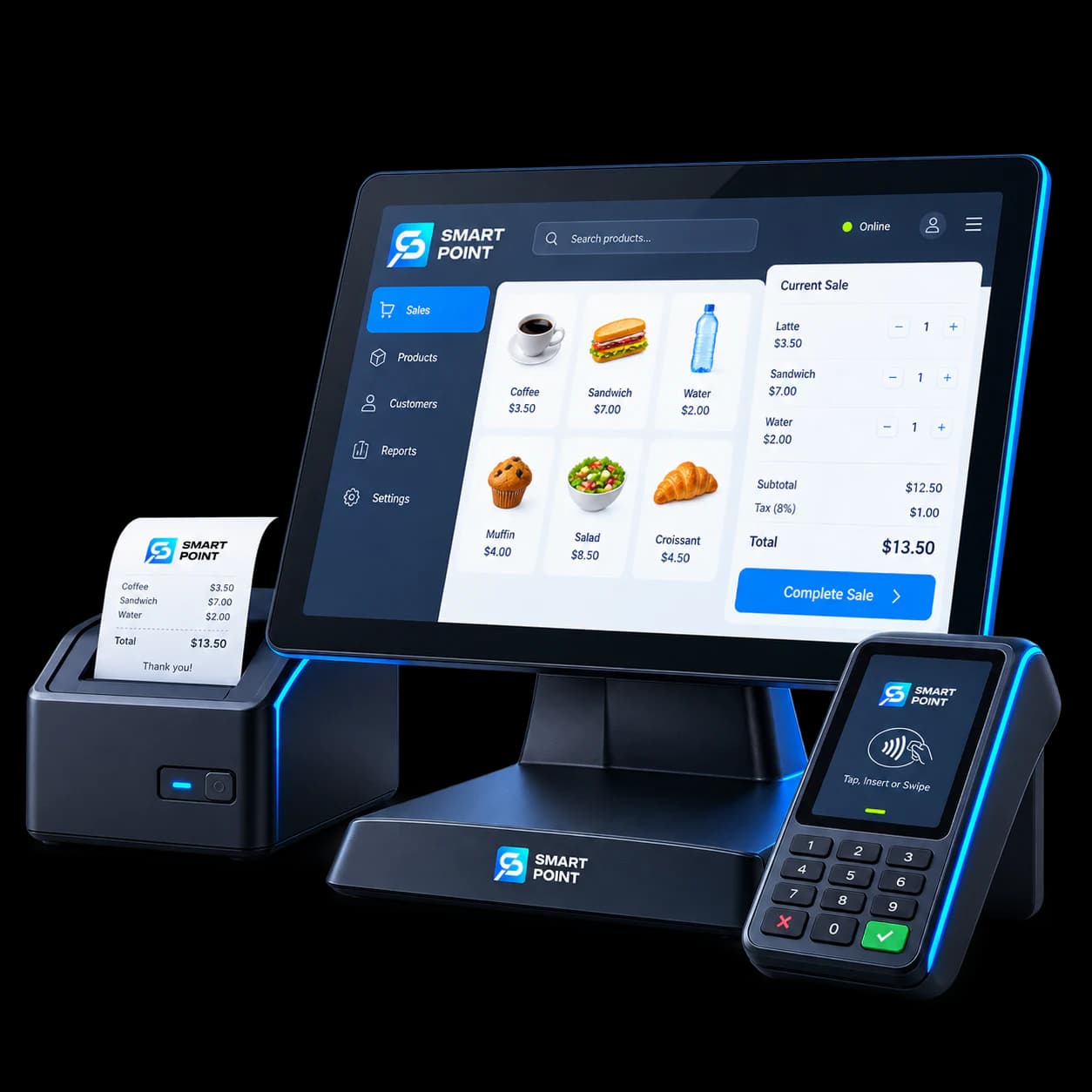
POS
Keep kiosk orders alongside your other sales.
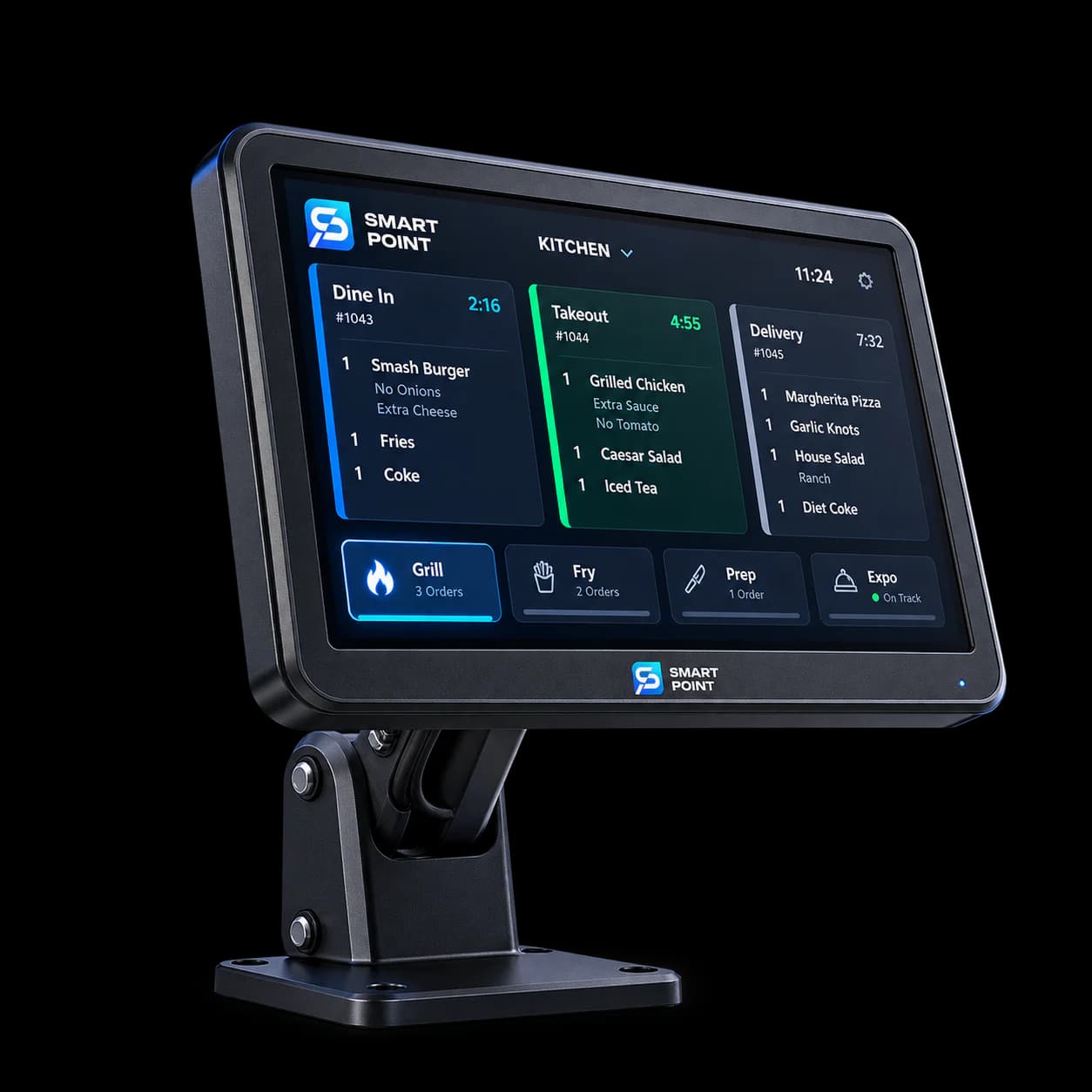
KDS
Send orders that need preparation to the kitchen screen.
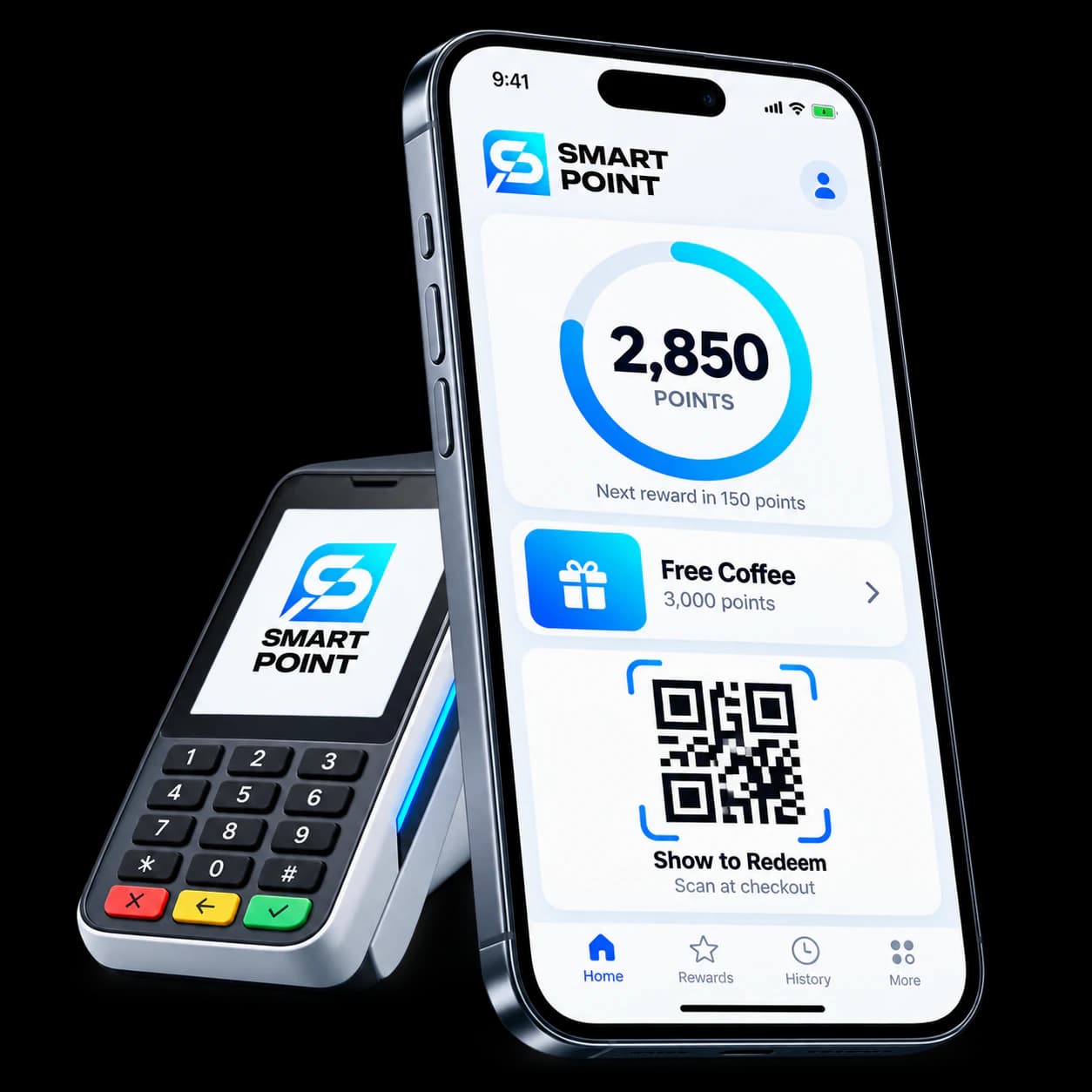
Loyalty
Let returning customers use their rewards when ordering.
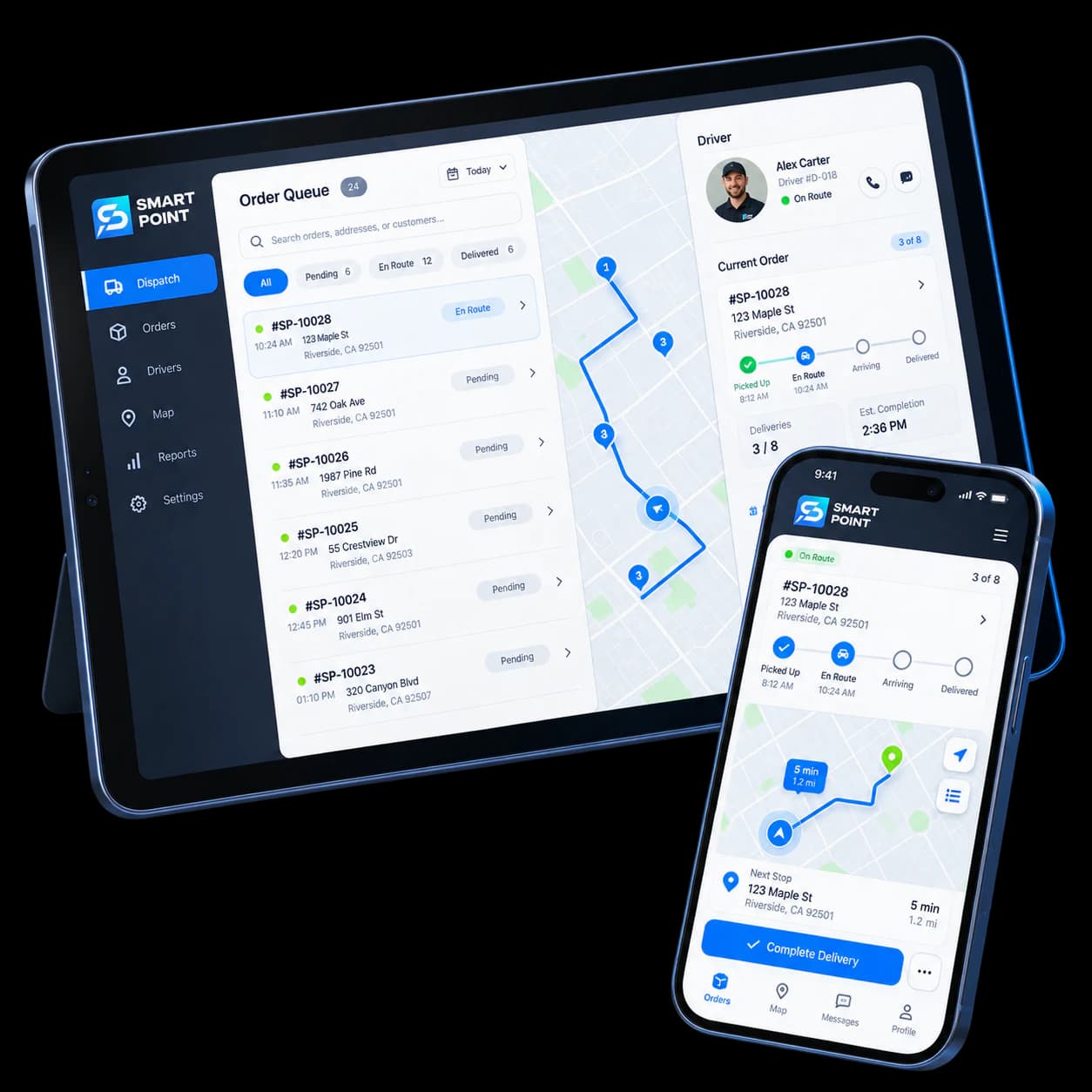
Delivery
Include kiosk orders in your delivery workflow when available.
Get Started
See self-ordering in action
Walk through the customer journey, from browsing the menu to placing an order at the kiosk.